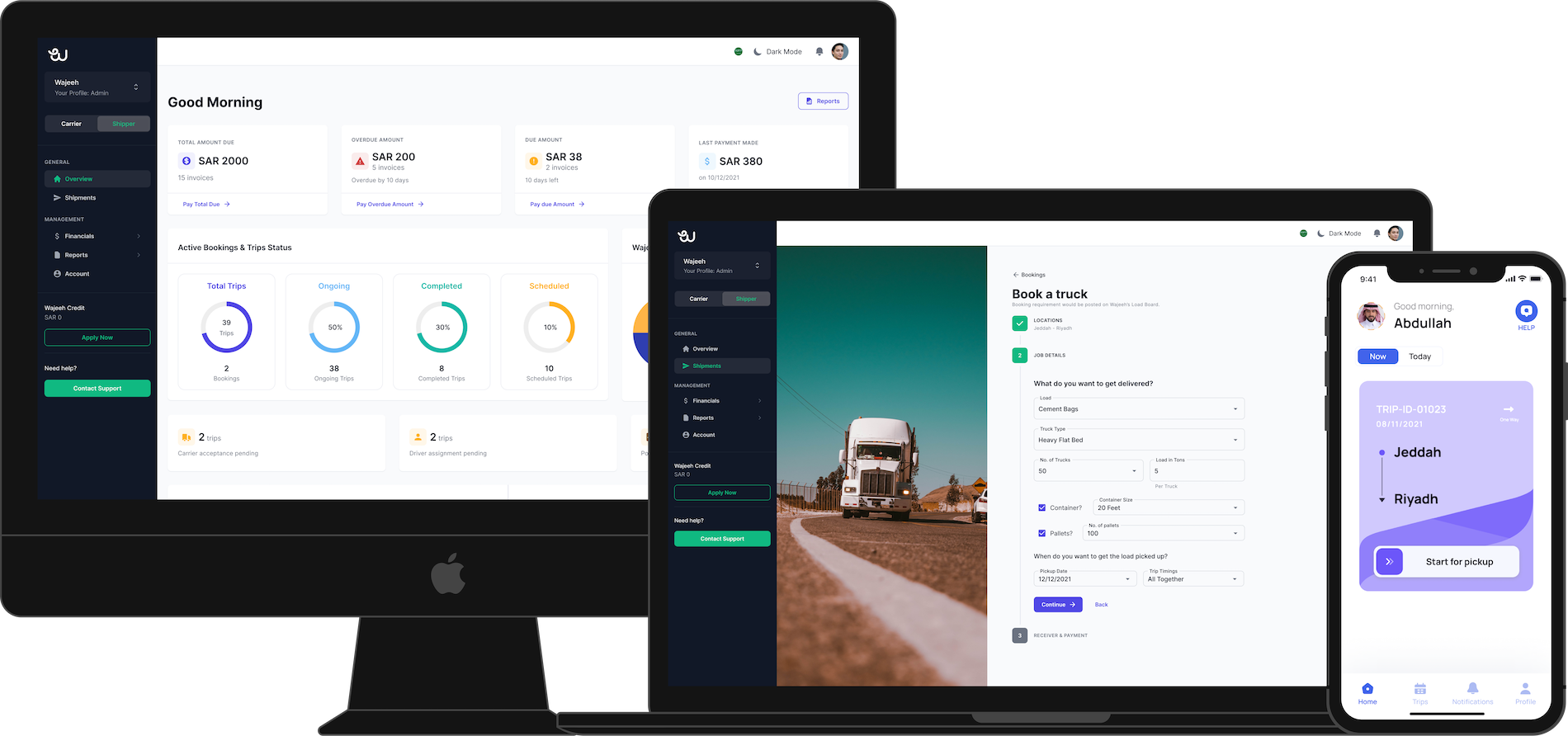
The mobile app market is more competitive than ever, making first impressions crucial. Just a few critical bugs or performance issues can ruin months of hard work and harm your brand reputation for years. Over 5 million apps compete for users’ attention across all app stores. Today, launching a defect-free app is not just necessary but a strategic decision. At Tiso Studio in Hyderabad, we have handled many app launches. We know success or failure depends largely on preparation and testing.
Going from an idea to a successful app launch requires a disciplined approach. You must cover testing, strategy, and quality assurance. This guide outlines the key steps to prepare your mobile app for a bug-free launch. It helps you create an app users love and drives business success.
Understanding the App Testing Landscape
The process of app testing is the foundation of mobile app development success. Today’s applications are complicated ecosystems that must work seamlessly in multiple devices, operating systems, networks, and user environments. A strong mobile app testing process addresses these complexities by systematically testing the app’s functionality, performance, security, and user experience.
Mobile app quality assurance means more than just finding bugs. It involves thoroughly verifying business requirements, user expectations, and technical specifications. Ensuring the app functions as intended is only part of the task. Delivering a great user experience is equally important. This combination keeps users engaged and loyal to your app.
Comprehensive Mobile App Testing Checklist
A thorough mobile app testing checklist serves as your roadmap to launch success. This systematic approach ensures no critical aspect of your application goes untested:
Functional Testing Components
Automated tools are useful for testing and regression analysis, but they cannot replace human user testing. Real users validate complex workflows and uncover usability problems that machines miss. Testers evaluate subjective aspects like interface aesthetics, content clarity, and intuitive navigation flows. Human judgment also plays a vital role in checking business logic, spotting edge cases, and handling scenario-based testing.
Your testing checklist for your application should have a thorough set of functional validations that covers aspects including, user registration, user login, data sync, offline capability, and third-party services integration testing. Each feature should be validated for all user roles, permission levels, access scenarios, etc. to verify consistency.
Performance and Technical Validation
Testing the performance of an application is a vital part of the pre-launch process. Users want an application to respond immediately, load quickly, and operate smoothly in a variety of conditions. Performance testing looks at an application’s performance under a range of load, network performance, and device performance.
Main indicators of performance are application startup speed, screen navigation speed, memory use, battery use, and network use. Testing should examine a variety of conditions, including poor network connectivity, available storage space on the devices, and switching between applications in the background, to ensure performance is optimal in all situations.
Advanced Testing Methodologies
Automated App Testing Integration
Automated app testing has transformed the speed and breadth of mobile app testing. Top app testing tools now provide integration and deployment pipelines that automatically verify the app’s functional behavior on every code change. This reduces the overall time spent testing while providing improved coverage and consistency.
Automated testing is especially effective for regression testing, validating APIs, and performing repetitive tests that would take manual testers a considerable amount of time. Nevertheless, it depends on adequate test case design, maintenance of test scripts, and devops integration.
User-Centric Testing Approaches
App user testing offers priceless insight into application usage and preferences in the real world. The user testing process involves asking real users to observe your app in a controlled setting and provide feedback about usability, functionality, and overall experience.
User testing highlights the gap between what developers believe and what users expect. It reveals improvement opportunities that standard technical testing often misses. This feedback loop helps developers refine designs and build applications that connect with their target audiences.
Strategic Launch Planning
Mobile App Launch Strategy Development
A full-fledged mobile app launch strategy goes beyond just preparing your technology and must also include the app positioning in the market, user acquisition, and all aspects of post-launch. The mobile app launch strategy should think about marketing before launch, app store optimisation, user onboarding, and support with feedback collection.
Strategic planning involves beta testing programs, where a small group of users gets to use your application prior to a full release to the general public. Beta testing serves as a means of validating real-world application use, while also building excitement and using input from users to finalise optimisation.
Quality Control and Assurance Processes
To ensure quality in applications, systematic processes must be put in place to sustain that same quality throughout the development and post-launch lifecycle. This encompasses quality gates, defined acceptance criteria and review processes to identify the issues before the end user is exposed to them.
Quality assurance includes code reviews, design verification, content accuracy, and meeting guidelines established in a respective platform. Each of these items needs to be looked at to ensure that your application fulfils technical expectations, as well as user expectations.
Debugging and Issue Resolution
Systematic Debugging Approaches
Debugging mobile applications requires specialised tools and techniques that are tuned for the unique characteristics of mobile environments. Mobile applications are run with limited resource constraints, inconsistent network conditions, and a multitude of device types, making debugging more complex than debugging traditional software applications.
Effective debugging relies on thorough logging, crash reporting, and remote debugging. In addition, these tools capture alerts from real behavior in production. As a result, developers can quickly find and fix issues across devices and usage scenarios.
The Mobile App Testing Process Framework
The mobile app testing approach should be systematic and start at the beginning of a development cycle and continue after launch. This process is iterative and includes unit testing during development, integration testing with combined components, system testing for complete functionality, and acceptance testing with end-users.
While the purpose of each testing phase differs and may require different tools, techniques, and skill sets, the testing process itself should be systematic, reproducible, and improved upon by lessons learned on previous projects, as well as input from a wide variety of industry articles on the best practices.
Essential Testing Tools and Technologies
Modern application testing tools provide holistic solutions to all layers of mobile app testing. This application testing tool can do everything from automated testing frameworks that verify functionality across devices, to performance monitoring tools that track user experience in the wild.
Commonly used testing tools include device farms that let users test on multiple hardware setups at once. In addition, automated testing frameworks focus on regression testing. Meanwhile, performance monitoring tools help diagnose bottlenecks after testing. Furthermore, crash reporting tools track issues in real-world use after launch. Ultimately, the best choice depends on your needs, budget, and technical expertise.
Pre-Launch Validation and Preparation
The last few weeks leading up to launch require a lot of validation and preparation-related work. This involves the validation of testing on target devices, validating submission requirements for the app stores, preparation of marketing materials, and preparing support processes for user feedback and issues.
Beta testing should extend to include example user groups who represent your intended audience. Beta testing is the last validation stage and is an opportunity to identify any leftover issues and promote excitement for the full launch.
Post-Launch Monitoring and Support
You’re only going to get so far with just launching your app. You need continuous monitoring and support infrastructure. Analytics, crash reporting, and user feedback will allow you to identify and address issues that arise in a production environment quickly.
Post-launch support includes monitoring application performance, analysing user behaviour, collecting feedback, and planning future updates and improvements. This continuous improvement cycle ensures long-term success and user satisfaction.
Building a Culture of Quality
Building bug-free applications calls for an organisational commitment to quality at every stage of the development lifecycle. This includes training development teams on best practices, implementing quality metrics with accountability, and ensuring development, testing, and product management teams work collaboratively.
Quality should be embedded in every aspect of the development process rather than treated as a final checkpoint before launch. This approach reduces overall development costs while improving application quality and user satisfaction.
Ready to ensure your mobile app launch exceeds expectations? Contact Tiso Studio today to learn how our comprehensive testing and quality assurance services can help you achieve a flawless launch that delights users and drives business success.


Recent Comments